
Benefits OF MORTON WATER SOFTENERS
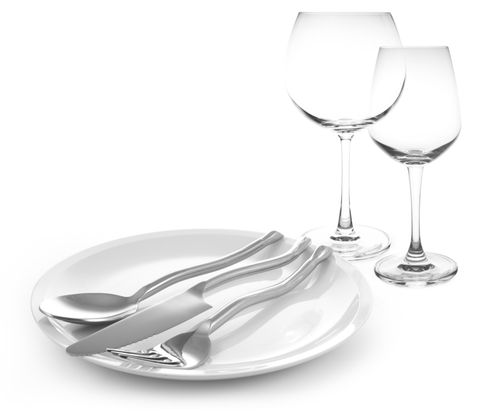
Do you have embarrassing stains around your faucets? Spotty dishes? Buildup in your shower? How about dry, itchy skin? Or laundry that feels like sandpaper? Then you may have hard water, and you’re not alone. Hard water affects three out of four households in the United States. Morton Water Softeners can help. Morton offers a complete line of Water Softeners to eliminate hard water problems in your home.
- Softer feeling clothes
- Better lathering soaps and cleaning agents
- Softer feeling hair and skin
- Fewer spots on dishes
- Fewer stains and less soap residue
- Helps protect your pipes and water heater
- Saves money on water and energy
- Less buildup on fixtures and shower heads
Benefits OF MORTON WHOLE HOME FILTRATION
Sick and tired of the taste of your water? How about filling up the filtration pitcher or lugging that heavy bottled water home? Morton Whole Home Filtration provides cleaner, better tasting water at every tap with virtually no maintenance. Designed for homes with either city or private well-water supplies.
- Filtered water
- Great tasting filtered water at every tap
- No filters to replace – ever
- Customized programming
- Sediment reduction for less wear and tear on your home

Morton, Worth Its Salt
Filtered water is softer, purer, and more refreshing water that just feels better; water that is softer on your skin and clothes and also makes cleaning easier. With softer water, you can enjoy a more welcoming home.
- The #1 brand of water softener salt in the United States
- Range of water treatment products to meet your household water needs
- Morton Look-Ahead Technology learns your family’s water usage patterns and predicts your future soft water needs to regenerate only when needs to regenerate only when needed